Snap receipt
Point your camera at any receipt. Merchant, items and total are filled in, then checked by plain code, not guesswork.

 Your friendly receipt buddy
Photograph a receipt or just type what you bought. Notarik fills in the details, sorts the category and keeps your month on track.
 Coming soon
 Coming soon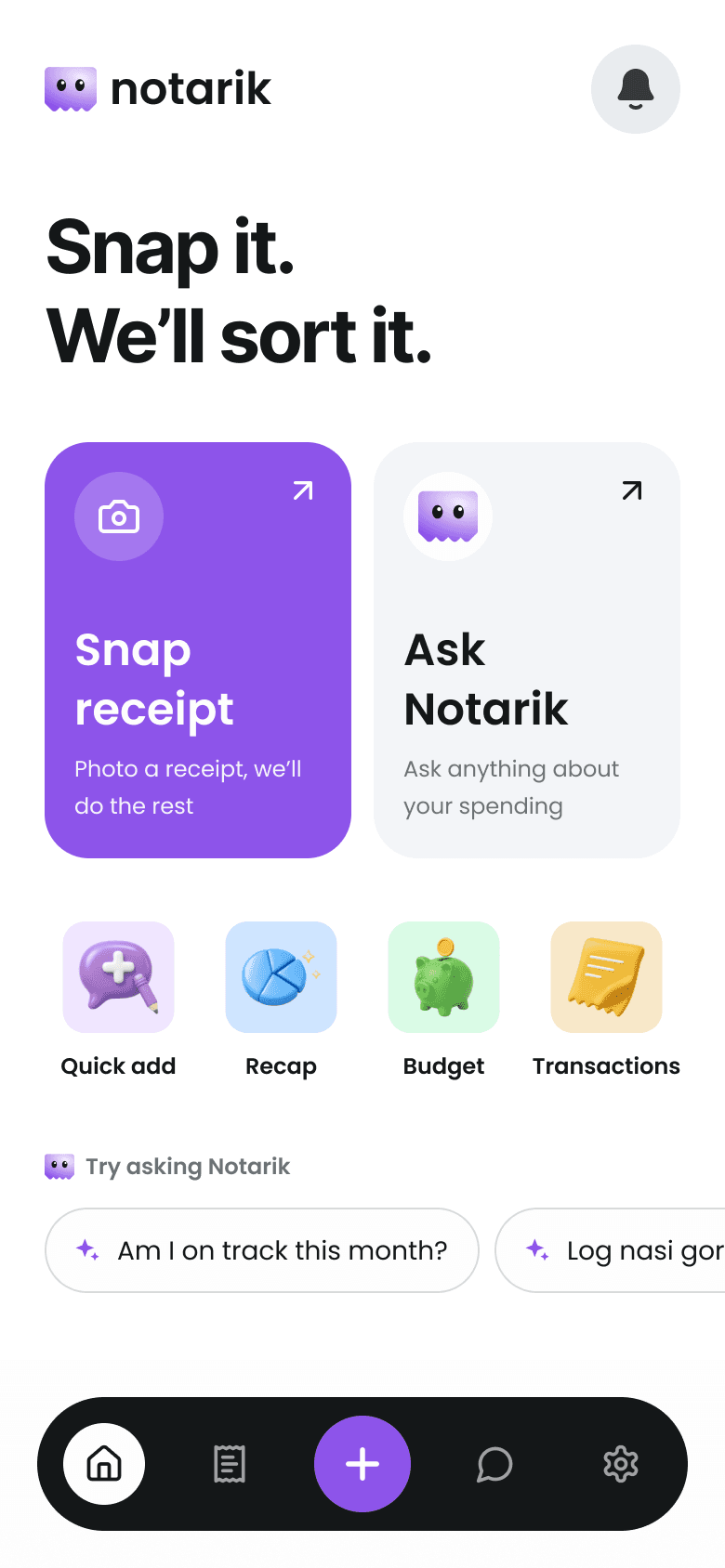




 Receipt read in seconds
 Kopi · Rp 25.000Logged from “kopi 25rb”
Every kind of spending, sorted for you
 GroceriesFood & Drink
 Transport
 Bills
Bills Receipts
 Budgets
 Features
Four small helpers that turn paper receipts and quick thoughts into a clear picture of your month.
Point your camera at any receipt. Merchant, items and total are filled in, then checked by plain code, not guesswork.
Type it like you’d text a friend. Amounts in words work too.
nasi goreng dua puluh lima ribu


See where the month went by category and how close you are to your budget.


Ask anything about your spending. It answers from your own data.


Every expense in one tidy list, grouped by day, with receipts attached.
 How it works
Take a photo of the receipt, or write the expense in a sentence.

Notarik reads it and shows you the result. Totals are verified by code.
Nothing is saved until you say so. Then it lands in your recap.

“Am I on track this month?” “Log nasi goreng 25 ribu.” A chat assistant that answers from your own data and never writes anything without your confirmation.
Example: you type “kopi 25rb tadi pagi”. Notarik proposes logging Kopi, Food and Drink, Rp 25.000, and waits for you to press Save.
 FAQ
FAQStill curious? We keep things simple on purpose.

Is my data safe?
Every table is protected per user, and the assistant can only read your own data.

Can the assistant change my expenses?
Only by proposing a change. You confirm before anything is saved.
Which currency does it use?
Indonesian Rupiah, stored as whole numbers so totals are always exact.
What if the receipt is read wrong?
You review every receipt first, and a plain-code validator checks the totals.
Use Notarik on the web today. The iOS and Android apps are coming soon.
Coming soonComing soon